What's new

Everything Skryber can do for your content.

Every feature below is live today, on every plan that includes it. One long video in — clipped, polished, captioned, scheduled and measured on the way out.

Create

One video in — a library of content out.

AI Viral Clips

AI Viral Clips

Drop in a long video and the AI finds the moments worth posting — scored, titled with real timestamp anchors, and auto-rendered so your best four clips are ready before you finish your coffee. Want a different set? Regenerate clips runs a fresh analysis and adds the new picks to your list.

Studio Swap

Studio Swap

Replace your real background with an AI set — you stay exactly as filmed. 24 sets from Podcast Studio to Rooftop Night, live previews, and one-click revert. Every export carries the new scene.

UGC Studio

UGC Studio

Generate scripted UGC-style product clips with AI actors — hooks, demos and testimonials for ads without booking a creator.

AI B-Roll

AI B-Roll

The AI reads your transcript and generates cinematic B-roll for the moments that need visuals, timed to land exactly where you say the thing.

Dubbing, translation & AI Narrator

Dubbing, translation & AI Narrator

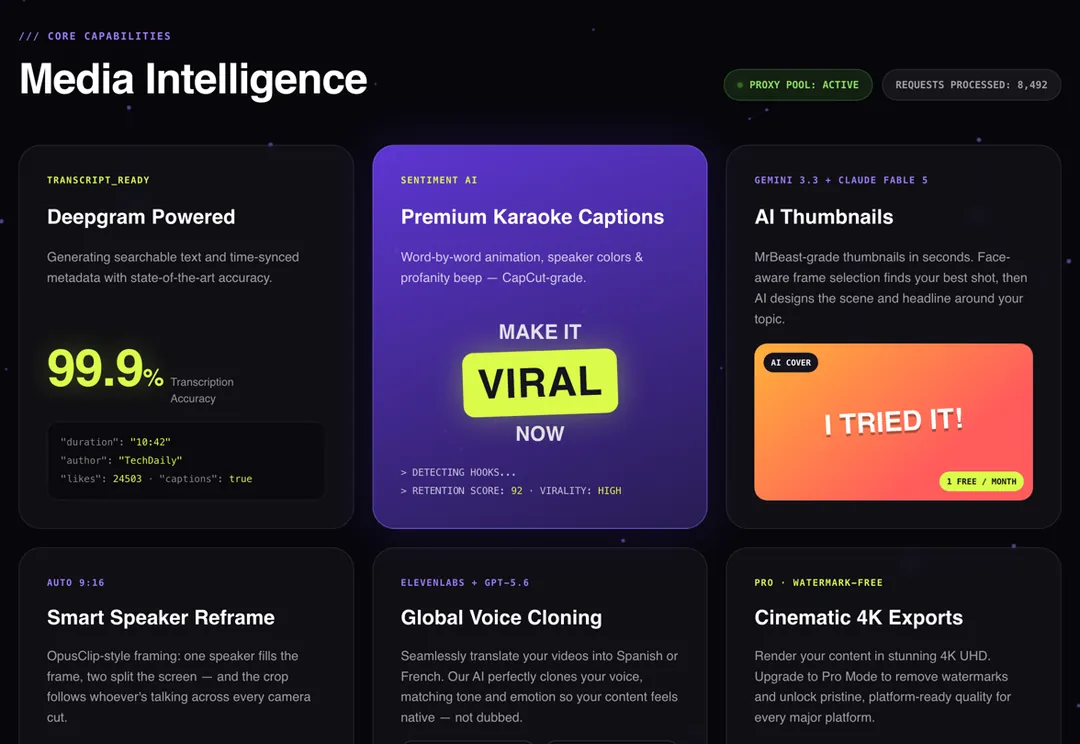
Translate captions into 33 languages, dub clips in a voice matched to yours, or let the AI Narrator watch silent footage and write and speak a narration that fits its exact length.

AI thumbnails & hook frames

AI thumbnails & hook frames

Scroll-stopping thumbnails and hook frames generated from your actual footage, with headline text that survives every platform crop.

Promo Studio

Promo Studio

Paste your website and get a promo video. Skryber researches your site and writes a concept you can approve, rewrite or swap; the preview lets you switch the narrator voice, music, transition sounds and live captions, or redo any scene before you make the final video.

Open Promo Studio →

Polish

Fixes that used to need an editor.

Studio Sound

Studio Sound

Broadcast-grade noise removal. Traffic, hum, echo and room tone are gone; your voice stays. You are only charged when it actually improves the audio.

Steady Shot

Steady Shot

Stabilizes shaky handheld footage before anything else runs, so captions and effects sit on solid ground.

Jump-Cut Healing

Jump-Cut Healing

Silence removal leaves harsh snaps between positions. Healing generates a blink-quick AI morph across each cut so the edit flows like one take.

The caption suite

The caption suite

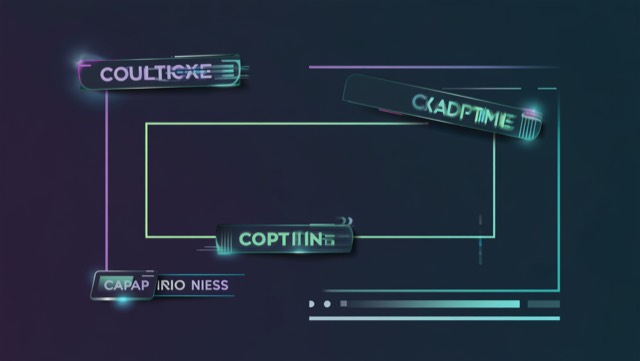
65+ animated presets, including signature looks where the words burn (Inferno), glow as neon tubes (Neon Night), drip slime, rain cash, crack like stone or take fire (Front Line), pop out of a comic panel (Comic Book), get placed by a robot arm (Robot Arm) or go seasonal (Halloween, Thanksgiving), plus karaoke word-sync and pinned-word emphasis with AI suggestions — identical in the preview and the export.

Auto-GIF Enhance

Auto-GIF Enhance

On-topic GIFs and meme elements placed at the exact word they react to, sized and positioned so you never have to fix them.

AI Music & Auto-SFX

AI Music & Auto-SFX

Generated soundtrack beds on their own lane, plus automatic sound effects landed on your cuts — whooshes where the edit moves.

Motion graphics & AI designs

Motion graphics & AI designs

Over 70 animated designs and templates — quote cards, sale tags, star ratings, subscribe and follow buttons, lower thirds, progress bars, countdowns — with the text and colours editable right on the card. Or describe one and the Motion Designer builds it.

Sound Design library

Sound Design library

Over 120 free sound effects in a tap-to-hear soundboard: meme sounds, voice reactions, bells, cartoon hits, transitions and drama stings. Add one at the playhead or put a transition sound on every cut.

Reaction Cutout

Reaction Cutout

Cut yourself out of the frame — with real transparency — and drop the reaction over gameplay, screen recordings or B-roll.

Smart reframing & speaker split

Smart reframing & speaker split

Face tracking keeps the speaker centered in vertical crops, and two-person podcasts split into stacked panels — each speaker perfectly framed in their own.

Publish & grow

From export button to content operation.

Social calendar & bulk send

Social calendar & bulk send

Schedule across six connected platforms from one calendar. Bulk Send renders a batch of clips, writes a caption for each, and staggers them over weeks — while you close the tab.

Hook Factory A/B testing

Hook Factory A/B testing

Publish competing hook variants of the same clip. Skryber watches the real numbers and emails you the winner — experiments, not guesses.

Per-video usage receipts

Per-video usage receipts

See exactly where your credits went, itemized per video — every AI feature, every processing minute, down to the credit.

Public API & AI agents (MCP)

Public API & AI agents (MCP)

Hand your content operation to an AI agent. Over the API or the MCP server it can import videos, find and render clips, add music, GIFs and graphics, write captions, plan the week, schedule and publish to your accounts, retry or delete posts, and get told the moment each one goes live — with webhooks and per-post views.

Read the API docs →
Send a video to your AI assistant

Send a video to your AI assistant

Drop a video link — or a Google Drive, Dropbox or OneDrive share link — into any AI assistant connected to Skryber, or have it send you an upload link for a file on your phone. It clips, captions and schedules it to every account, straight onto your Calendar.

See how agents connect →
Universal link import

Universal link import

Paste a link from YouTube, TikTok, Instagram, X, Google Drive, Dropbox and more — or upload straight from your phone. Skryber pulls the video and gets to work.

One video. A week of content.

Upload once and let the whole machine run — clips found, scenes set, audio cleaned, hooks tested, posts scheduled, costs itemized.

Start with one video